
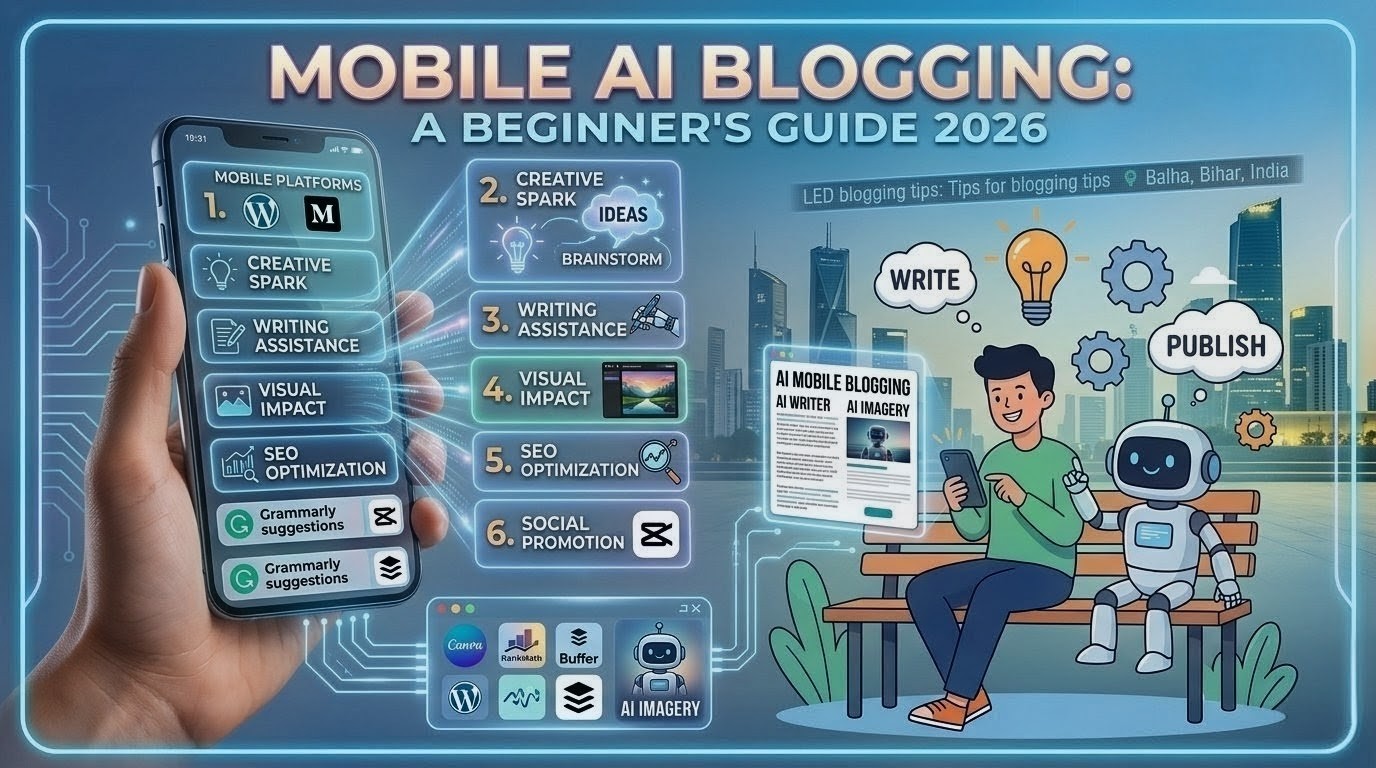
How to Use best AI Tools for Blogging on Mobile
In 2026, blogging is no longer limited to just laptops or desktops. Instead, people can now blog entirely from their mobile phones—creating full blog posts, editing them, and even publishing them—thanks to powerful AI tools.If you are a beginner, or a student who does not own a PC, this guide will walk you through exactly how to use AI tools for blogging on your mobile device, step-by-step.
What Are AI Tools for Blogging?
AI tools are software applications that utilize artificial intelligence to simplify tasks such as:Writing blog posts quickly Brainstorming and drafting new ideas Generating images Optimizing content for SEO to help it rank higher These tools save time and make blogging much easier, especially for beginners.
A Step-by-Step Guide to Blogging on Mobile Using AI Tools
step 1:Choose a Blog Topic (Keyword Research)
Before you start writing, you need to identify a topic that people are actively searching for.Tools you can use:Google Search (using the auto-complete feature)Uber suggest (via a mobile browser)ChatGPT (to brainstorm topic ideas) Example: Search for: “AI tools for students”
step 2:Now, use AI to draft your article.
Best ai tools for blooging Tool: ChatGPT How to Use:Open the ChatGPT app or browser Type this prompt:“Write a 1000-word SEO blog post on [Your Topic] in simple English”Copy the generated content Tip: Don’t copy blindly—edit and refine it.
step 3:Edit and Refine the Content
AI provides you with a draft, but you should improve it further.Tools:Grammarly Keyboard (Mobile)Quill Bot (For rephrasing sentences) Improve these aspects:Grammar Clarity Add headings Add examples.
step 4:Create Blog Images Using AI
Images are crucial for SEO and Google Discover. Tools:Canva (Best for beginners)Leonardo AI / DALL·E (For AI images)Steps:Open the Canva appSelect size: 1280×720 Px add text and Visual download the image Add Alt Text, such as:“AI tools for blogging on mobile”
step 5:Optimize for SEO
SEO helps your blog rank on Google.Do this:Use keywords in the Title add keywords to headings Write a meta description (150–160 characters)Use short paragraphs Keyword example:“How to use AI tools for blogging on mobile”
step 6: Publish Using Your Mobile
You can publish directly from your phone. Platform:WordPress App blogger steps:Open the WordPress App create a new Post paste the content add Image add a title + meta Description click Publish.
step 7:
Read also: The Best Free AI Tools for Students”https://aiheadlinehunt.com/best-ai-tools-for-students/
conclusion
In today’s fast-paced digital world, utilizing the best AI tools for blogging can completely transform the way you create and manage content. Whether you are a beginner or an experienced blogger, these tools empower you to write faster, brainstorm ideas, optimize for SEO, and design visuals—all directly from your smartphone. This means that you no longer need a laptop to build a successful blog.By selecting the best AI tools for blogging, you can save time and devote more attention to your creativity and strategy. From AI writing assistants to image generators and keyword research tools, everything you need is now right in your pocket. The key to success in blogging is consistency; with the help of mobile AI tools, you can easily maintain a regular posting schedule—anytime, anywhere. Blogging isn’t just a game of strategy; it requires patience and consistent effort—only then can you achieve success.Furthermore, as AI technology continues to advance, the best AI tools for blogging will become even more powerful and user-friendly. If you want to grow your blog, boost traffic, and achieve higher rankings on Google, now is the perfect time to start utilizing these tools. Embrace AI, stay updated, and take your mobile blogging journey to the next level.