
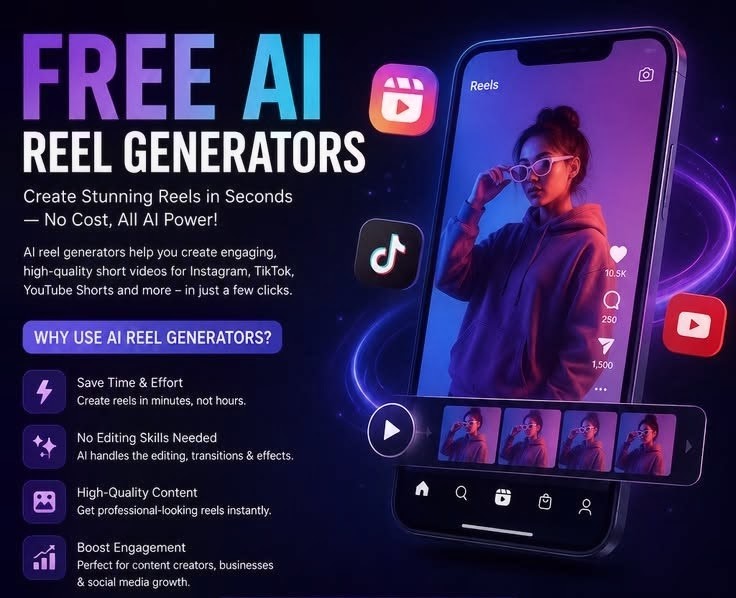
How to Create Viral Instagram Reels Using AI
Instagram Reels has become one of the fastest ways to reach new audiences on the platform, and Artificial Intelligence (AI) has made creating high-quality videos easier than ever. Whether you are a content creator, business owner, or influencer, AI tools can help you craft engaging scripts, edit videos, generate voice-overs, and optimize content for better reach. In this guide, you will learn how to create viral Instagram Reels using AI. Read on to discover the steps involved—go through the entire guide before getting started.
How to Start faceless YouTube Channel Using AI ( 2026 Guide) Read further .
1. Start with a Viral Content idea
Every Successful Reel begins with an engaging idea. Use Ai tools like ChatGPT, claude, or gemini to generate trending Content ideas based on your niche.
Example prompt :”Generate 10 viral instagram reels ideas about Ai tools with hooks under 10 words”
Focus on Solving a problem sharing a useful tip , or explaining a trending topic in under 30-60 seconds.
2. Write a powerful Script
The first three seconds determine wheather viewers keep watching.Ask an Ai chatbot to create a short script with a strong hook , clear message,and call to action.
Example hook : ” You’re wasting hours creating videos –Ai can do it in minutes”
Keep your Script Concise and easy to follow.
3. Create Video Using AI
AI video generators can turn text into professional looking Reels without expensive equipment.
Popular tools include:
- InVideo AI
- Fliki AI
- pika
- Runway
- Canva AI
These platform automatically generate visuals , transitions,and animation based on your Script.
4. Add AI Voiceovers and Captions
Professional Voiceovers increase viewer engagement. Use AI tools Such as Elevenlabs,HeyGen,or Fliki to Create realistic narration.
Add automatic Captions Using Capcut or instagram ‘s Captions feature.Many people watch Reels without Sound, making Captions essential.
5. Edit like a Pro
Use AI-POWERED editors Such as Capcut,VN Editor,or Adobe Express to improve your video.
Best editing practices:
- Keep videos between 15 and 45 seconds.
- Use Fast Cuts and Smooth translation
- Add trending background music.
- Highlight important words with animated text.
6. Optimize for Instagram SEO
Instagram now indexes Keywords, making SEO more important than ever.
Include your target Keywords naturally in:
- Reel Captions
- One-Screen text
- Spoken dialogue
- Alt text (if available)
7. Publish at the Right Time
Posting when your audience is active can improve engagement.use Instagram Insights to identify your best posting times.
Test different Schedules and Monitor which Reels the highest views ,Save ,and shares.
8. Analyze and improve
Review your Reel analytics regularly.pay attention to:
- views
- Watch time
- Shares
- Saves
- Comments
- Follower growth
Use these insights to create similar Content that resonates with your audience.
Final Thoughts
Creating viral instagram Reels with AI is faster and more accessible that ever . AI tools help you brainstorm ideas, write engaging Scripts, generate videos ,add realistic Voiceovers,and edit Content professionally in just a few minutes. However,no AI tools can guarantee virality. The best results Come from Consistency Publishing orginal, Valuable Content, Following trends thoughtfully,and learning from your analytics.By Combining creativity with AI ,you can grow your Instagram audience and produce High quality reels more efficiently in 2026.
1. What are the best Ai tools for Creating instagram Reels?
Some of the most popular Ai tools include Chatgpt, Canva Capcut, Fliki Ai , HeyGen,and Runway . These tools help with Script writing, video generation, editing, captions,and Voiceovers.
2. Can Ai create instagram Reels automatically?
Yes, AI powered platform can generate scripts , create video from text ,and Ai Voiceovers, insert Captions,and even recommend translation.However, reviewing and Custimizing the final video is recommended.
3.Are AI-generated instagram Reels allowed?
Yes, instagram allows AI -Generated Content as long as it follows the platform ‘s Community Guidelines and doesn’t violate Copyrights or mislead viewers.
Which AI tools is best for beginners?
Capcut and Canva are beginners friendly because they offer simple editing interfaces, template,and Ai features for quick video Creation.